
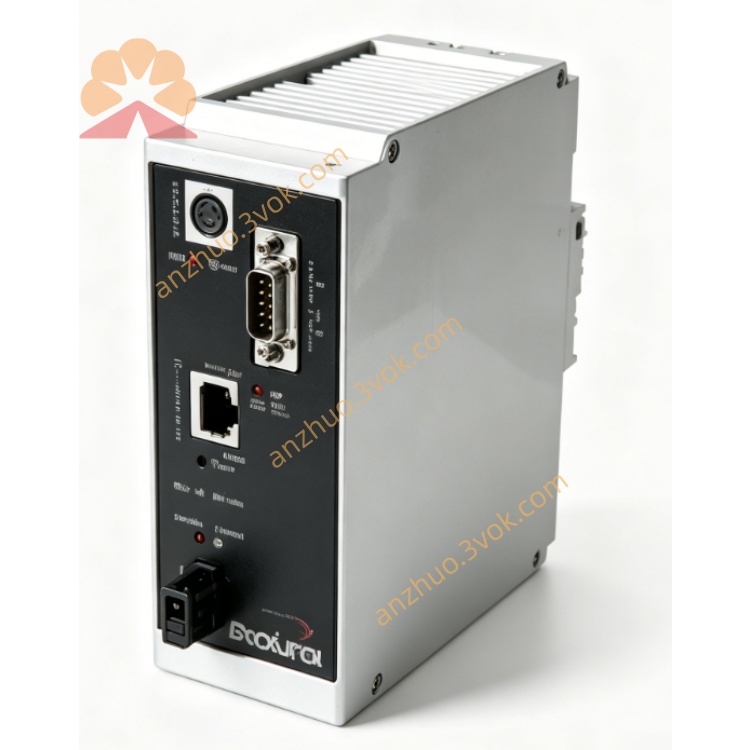
5205-DFNT-PDPS
Description
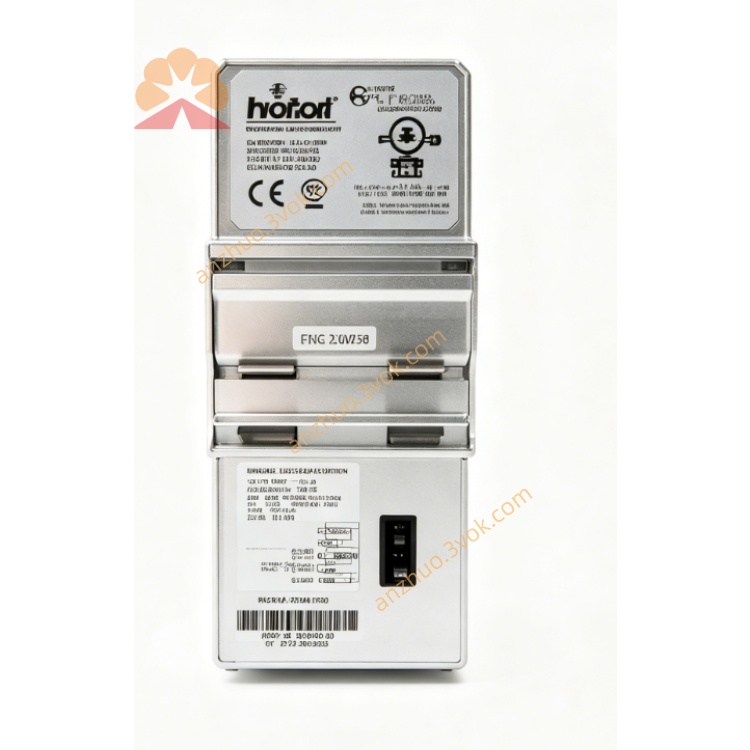
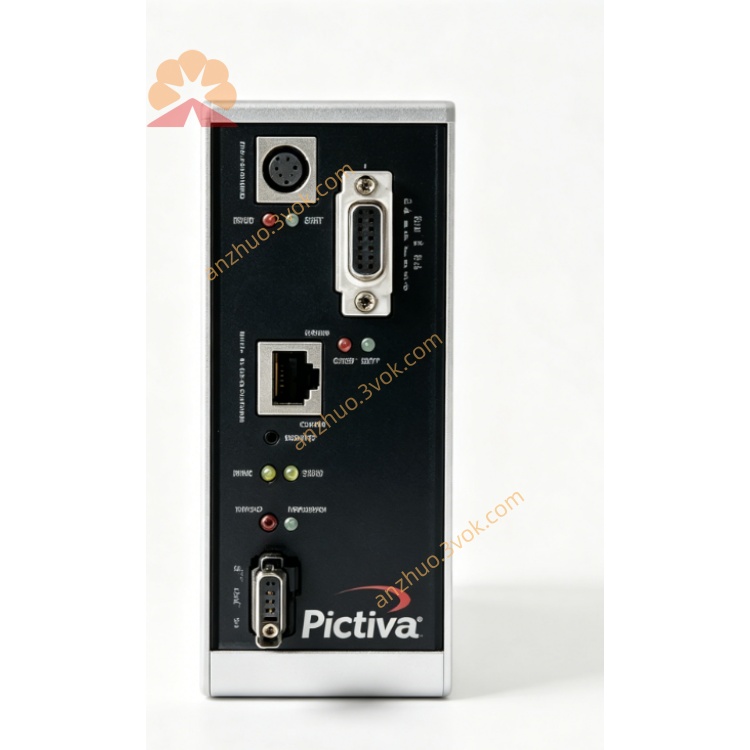
1. Product Overview
2. Main Features
Fully comply with standard EtherNet/IP communication protocol, support cyclic I/O data transmission
Standard PROFIBUS DP slave station protocol, compatible with all mainstream PROFIBUS DP master stations
Support PROFIBUS automatic baud rate detection, convenient on-site network debugging
Rich data point mapping function, freely configure input and output data area size
Built-in complete bus diagnosis function, real-time display network running status and fault information
Isolated circuit design between Ethernet and PROFIBUS ports, strong anti-interference performance
Support GSD file configuration, easy to integrate into Siemens configuration software
Support online parameter modification, firmware upgrade and remote maintenance management
Compact structure design, easy installation and space saving
Wide temperature working range, suitable for various complex industrial production environments
3. Technical Specifications
3.1 Power Supply
3.2 EtherNet/IP Interface
3.3 PROFIBUS DP Slave Interface
3.4 Environmental Parameters
3.5 Physical Parameters
4. LED Status Indication
5. Installation and Wiring Guide
Fix the gateway firmly on the DIN rail inside the control cabinet
Connect 24VDC stable power supply according to wiring specification
Connect EtherNet/IP network cable to Ethernet port to access Rockwell PLC control system
Connect standard PROFIBUS shielded cable to DB9 interface and access PROFIBUS master station network
Set device IP address and PROFIBUS slave address through configuration tools
Import GSD file in PROFIBUS configuration software to complete equipment matching
Configure cross-network data mapping relationship, download parameters and complete debugging
6. Communication Function Description
Realize EtherNet/IP system sending control data to PROFIBUS bus equipment
Collect operating data and status information of PROFIBUS field equipment and upload to EtherNet/IP host
Support remote parameter setting and real-time status monitoring of field devices
Realize data transparent transmission between AB control system and Siemens automation equipment
Have communication timeout protection and automatic fault recovery function
7. Application Scope
Automobile manufacturing industry dual-brand control system integration
Chemical, cement and other heavy industry production line equipment networking
Water supply and drainage environmental protection industry multi-protocol system docking
Old factory PROFIBUS equipment upgrading and accessing EtherNet/IP network
Intelligent workshop heterogeneous industrial bus unified management scheme
Food packaging, logistics machinery cross-brand equipment data interconnection
8. Safety Operation Notes
All wiring installation operations must be implemented under power-off state
PROFIBUS bus must use special shielded cable and make good terminal resistance matching
Strictly follow the voltage range for power supply connection to avoid equipment damage
Keep the communication baud rate and station address consistent in the whole bus network
Avoid installing the gateway in high temperature, damp and strong electromagnetic interference area
Professional automation technicians are required to complete protocol configuration and network debugging
Get a Quote