
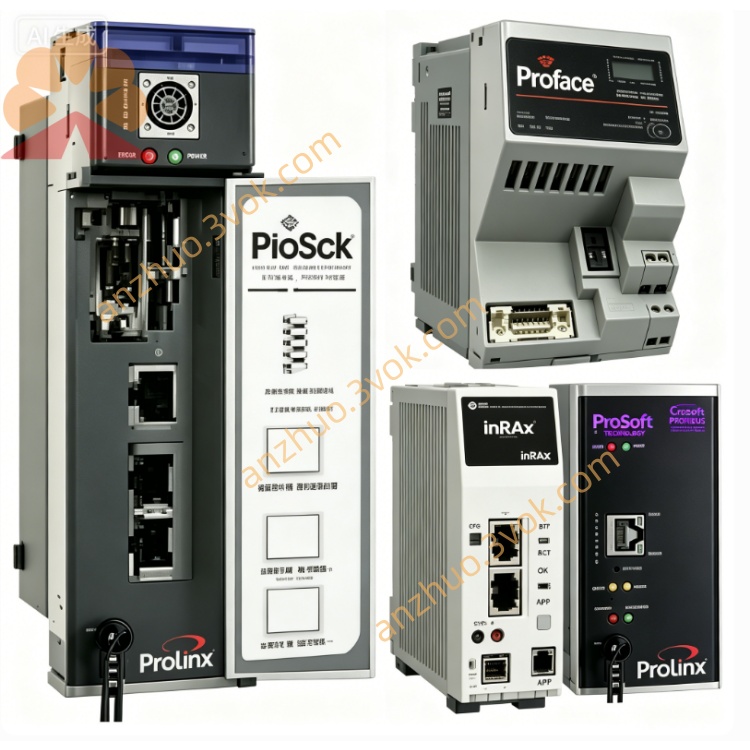
5201-DFNT-BACNET
Description
1. Product Overview
2. Main Features
Support standard EtherNet/IP industrial Ethernet communication protocol
Fully compliant with BACnet/IP international building automation communication standard
Simultaneously support BACnet client and server dual working modes
Rich BACnet object types access, including AI, AO, BI, BO, AV, BV etc.
Realize data interconnection between PLC and air conditioner, fresh air unit, lighting and HVAC equipment
Support BACnet alarm notification, trend record and time synchronization function
Flexible data point mapping, freely configure read and write data rules
Dual Ethernet port design, convenient network isolation and layout
Industrial grade anti-interference design, stable operation in complex environment
Simple configuration software, easy parameter setting and online debugging
3. Technical Specifications
3.1 Power Supply
3.2 EtherNet/IP Interface
3.3 BACnet/IP Interface
3.4 Environmental Parameters
3.5 Physical Parameters
4. LED Status Indication
5. Installation and Wiring
Fix the gateway steadily on the internal DIN rail of control cabinet
Connect 24 VDC DC power supply correctly according to wiring specification
Connect EtherNet/IP network cable to corresponding Ethernet port for PLC system connection
Connect BACnet/IP network cable to another Ethernet port to access building automation equipment network
Use dedicated configuration software to set device IP address, communication parameters and data mapping relation
Complete BACnet device address and object attribute configuration
Download configuration program and restart device to finish network debugging
6. Communication Function
Collect operating data of BACnet air conditioning, fan, water pump and other building equipment
Transmit building automation data to EtherNet/IP PLC control system
Receive control commands from PLC and issue to BACnet field equipment
Support remote parameter setting and group control of HVAC system
Realize unified monitoring and centralized management of intelligent building electromechanical equipment
Automatically record equipment operation data and abnormal alarm information
7. Application Scope
Intelligent building HVAC central control system integration
Industrial factory air conditioning and environmental control system networking
Commercial building intelligent electromechanical equipment unified monitoring platform
Old building automation system renovation and protocol conversion upgrading
Workshop constant temperature and humidity equipment and PLC system docking
Large shopping mall, hospital, office building multi-system data interconnection
8. Safety Precautions
All wiring construction must be operated under power-off state
Use standard industrial shielded network cable to ensure communication stability
It is forbidden to use the device beyond specified voltage and temperature range
Reasonably plan network IP segment to avoid IP address conflict
Regularly check equipment heat dissipation condition and line connection tightness
Protocol configuration and network debugging shall be completed by professional technicians
Get a Quote