
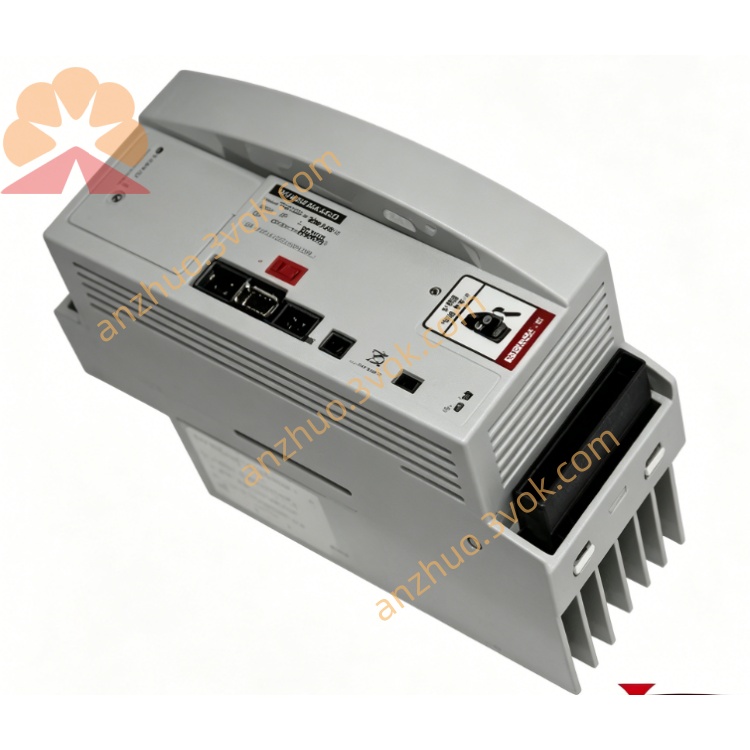
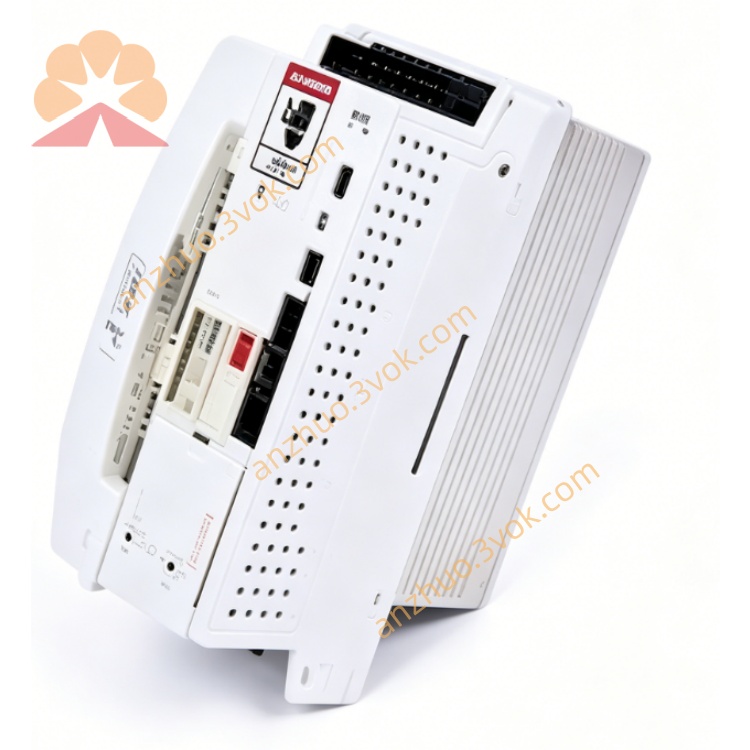
KSD1-08
Description
2. Technical Specifications
Model: KSD1-08 (Part No. 00-122-284)
Type: 3‑phase servo amplifier, 8 kW
Input: DC 0–565/675 V, 4.9 A / 3.9 A
Output: 3‑phase AC 0–400/480 V, 4.0 A (rated) / 8 A (max), 0–480 Hz
Intermediate Circuit Voltage: 0–770 V DC
Control Method: Field‑oriented vector control (torque/current control)
PWM Frequency: 4 kHz / 8 kHz
Cooling: Forced air cooling
Protection: Overload, short‑circuit, overvoltage, undervoltage, overheating
Degree of Protection: IP20 (cabinet installation)
Operating Temperature: 0°C to +40°C
Storage Temperature: -20°C to +70°C
Dimensions (W×H×D): 88 × 240 × 180 mm
Weight: Approx. 1.7 kg (3.75 lbs)
Mounting: DIN rail or panel mount
3. Interface & Connector Allocation
X1: Intermediate circuit voltage (DC 0–770 V) + 24 V DC supply; status/fault LEDs
X2: Motor connection (3‑phase AC + brake)
X11: Automation interface (I/O, safety signals)
X13: Servo bus IN (Interbus/CAN)
X14: Servo bus OUT (daisy‑chain to next drive)
4. Main Features
High Precision: Vector control for accurate torque/position control
Dynamic Braking: Integrated braking unit for regenerative energy dissipation
Drive Monitoring: Real‑time monitoring of current, voltage, temperature, and encoder signals
Fast Response: 4 kHz/8 kHz PWM for high‑speed motion
Compact Design: 88 mm width for space‑saving cabinet integration
Easy Configuration: Parameters set via KUKA WorkVisual or teach pendant
5. Safety Instructions
High Voltage: DC 565/675 V and AC 400/480 V; disconnect power before servicing
Capacitor Discharge: Wait ≥5 minutes after power‑off for intermediate circuit capacitors to discharge
No Modification: Do not bypass or modify protection circuits (overload, short‑circuit, overvoltage)
Cooling: Ensure unobstructed airflow; do not block ventilation slots
Work Envelope: Keep clear of moving robot axes during operation
6. Installation & Wiring
Mounting: Attach to DIN rail or panel; allow 50 mm clearance for cooling airflow
Power Wiring: Connect DC intermediate circuit to X1 (observe polarity); tighten torques to 1.2 Nm
Motor Wiring: Connect 3‑phase motor and brake to X2; shield cable per EMC guidelines
Bus Connection: Link X13 (IN) to controller; X14 (OUT) to next drive in chain
I/O Wiring: Connect safety signals (E‑Stop, door interlocks) to X11; use twisted pair cables
Grounding: Earth drive, motor, and cabinet per local codes; ensure low‑resistance ground path
7. Operation
7.1 Power‑Up
Verify all connections are secure and correct
Apply 3‑phase AC power to controller; intermediate circuit charges to 565/675 V DC
Check X1 LEDs: Power (green) ON, Fault (red) OFF
Enable drive via controller (KCP2); Servo Ready (yellow) LED ON
7.2 Normal Operation
Manual Mode (T1/T2): Drive follows jog commands from teach pendant; adjusts torque/speed dynamically
Automatic Mode (AUT): Executes programmed motion (PTP/LIN/CIRC); maintains precise position control
Fault Handling: Red Fault LED ON; drive disables motion. Check fault code via teach pendant; resolve issue before resetting
8. Maintenance
Daily: Check LED status; inspect cables for damage or loose connections
Weekly: Clean cooling fan and ventilation slots; verify airflow
Monthly: Tighten connectors (torque 1.2 Nm); check motor insulation resistance
Quarterly: Backup drive parameters via WorkVisual; test fault reset functionality
Annual: Replace cooling fan (if worn); inspect electrolytic capacitors for bulging/leakage
Get a Quote