
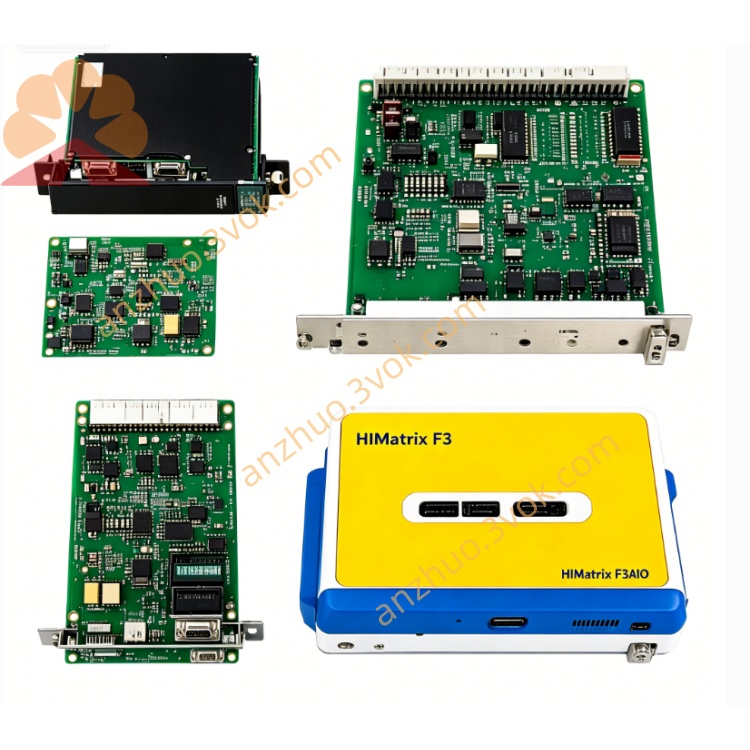
F8640
Description
F8640 (HIMA Racing Safety I/O Module)
Basic Information
Model: F8640
Brand: HIMA (Germany's HIMA)
Part Number: 981864002
Product Type: Safety Digital I/O Module (16DI/8DO)
Applicable Systems: H41q/H51q Safety Instrumented System (SIS)
Safety Level: IEC 61508 SIL3, TÜV Certified
Installation Method: 19" Rack Slot Installation
Protection Level: IP20
Weight: Approximately 1.3kg
Electrical parameters
Power supply voltage: 24VDC (range 18~32VDC)
Power consumption: Typical 19.2W
Input side: 16 DI channels, no isolation, high level 15~30VDC, low level ≤5VDC
Output side: 8 DO channels, no isolation; 2A per channel at 40℃, 1A at 60℃; maximum total current 8A
Sensor power supply: 4 × 19.2V/40mA, short circuit protection
Communication interface
Ethernet: 2×RJ45, 10/100Mbps, supports Modbus TCP
Backplane bus: Connects HIMA system backplane to achieve data interaction
Environmental parameters
Operating temperature: 0℃ ~ +60℃
Storage temperature: -40℃ ~ +85℃
Relative humidity: 5%~95%, no condensation
Explosion-proof certification: Ex II 3 G EEx nA II T4 X Core function
I/O signal acquisition and output: 16 digital input channels collect on-site switch signals, and 8 digital output channels drive on-site actuators (such as solenoid valves, indicator lights).
Safety circuit control: used for ESD emergency stop, BMS burner management, F&G fire gas detection, etc., in SIS system safety control circuits.
System redundancy and diagnosis: supports TMR triple redundancy architecture, with hardware self-diagnosis coverage ≥ 99%, and automatically switches redundant links in case of faults.
Hot-swappable: replace modules online in the rack, and automatically synchronize configurations after replacement, without the need for downtime reconfiguration.
Panel indicator lights
PWR (green): Normal power supply
RUN (green): Module running normally (flashing)
ALM (red): Hardware or communication fault alarm
ETH (yellow): Ethernet data transmission and reception
DI (green): Digital input channel status
DO (green): Digital output channel status
Installation and maintenance
Push the rack slot in steadily and lock it to ensure reliable contact of the backplane
Connect 24VDC power supply, on-site I/O signals, and Ethernet interface according to specifications, and reliably ground the cabinet
Check the status of indicator lights during daily inspections, regularly tighten terminals, and clean module dust
Replace the same model F8640 directly when there is a fault, without modifying programs and wiring
Get a Quote