
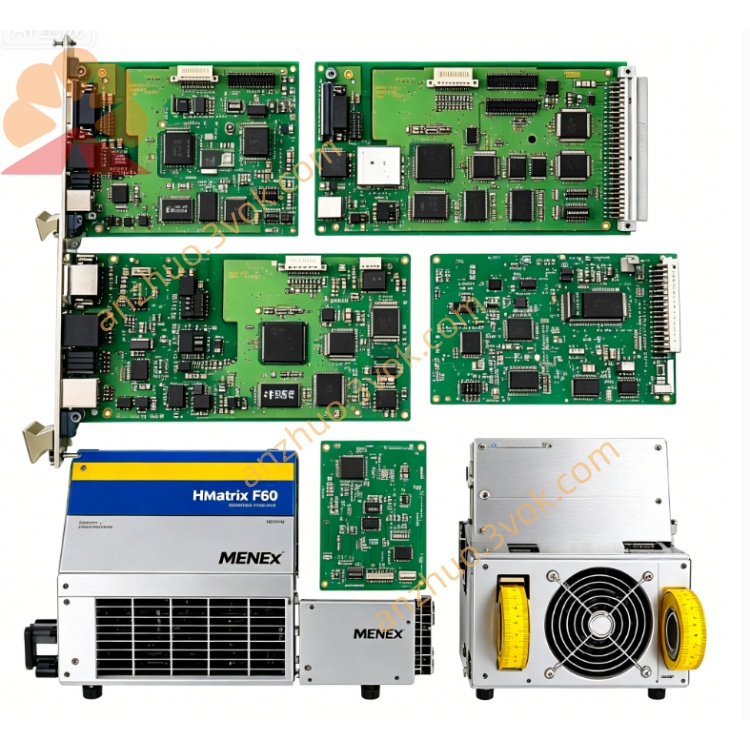
F8628X
Description
Basic Information
Model: F8628X
Brand: HIMA
Product Type: PROFIBUS DP Safety Communication Module
Applicable System: H41q, H51q Safety Instrumented System (SIS)
Safety Level: IEC 61508 SIL3, TÜV Certified
Component Number: 984862865
Installation Method: Rack Slot Installation
Protection Level: IP20
Electrical parameters
Power supply for backplane: 5VDC System power supply: 24VDC Power consumption: Typical 5W Interface insulation withstand voltage: Communication interface to ground 500V AC/1 Minute Built-in protection: Overvoltage, undervoltage, reverse connection, over-temperature, short circuit protection
Hardware specifications
Processor: 32-bit secure dedicated communication processor Firmware storage: 4MB Flash Data cache: 8MB SDRAM System architecture: Supports triple redundant fault-tolerant design Fault diagnosis coverage: ≥99%
Communication interface
PROFIBUS DP: 1 channel DB9 interface, RS485, maximum transmission rate 12Mbps, operates as slave station Ethernet: 1 channel RJ45 10/100Mbps redundant interconnection port: RJ12 HSR high-speed serial interface Debug interface: RS232 DB9 Local configuration port Supports protocols: PROFIBUS DP, Modbus TCP, ELOP II, SafeEthernet
Environmental parameters
Operating temperature: -20℃ ~ +60℃ Storage temperature: -40℃ ~ +85℃ Relative humidity: 5%~95%, no condensation Vibration and shock: Complies with IEC 60068 industrial standard Main function
Realize PROFIBUS DP secure communication between the SIS system and external DCS and PLC.
Integrate Ethernet interface, supporting program download, online diagnosis and Modbus TCP communication.
Support dual-module redundant configuration, automatic link failure switching without affecting system operation.
Have full hardware self-diagnosis function, capable of detecting communication links, interfaces and internal hardware faults.
Support hot plugging of racks, automatically synchronize configuration after online module replacement, without the need for reprogramming.
Panel indicator lights
PWR Green: Normal power supply, constantly on
RUN Green: Module is running normally, flashes
ALM Red: Hardware or communication failure alarm
ETH Yellow: Ethernet data receiving and transmitting status
Installation and maintenance
Push the rack slot in smoothly and lock it to ensure reliable backplane connection. Connect PROFIBUS, Ethernet and redundant interfaces according to standard wiring specifications. Conduct daily inspections to check the status of panel indicator lights, and regularly check the tightness of terminals and clean the dust on the module. Faults can be directly replaced with the same model F8628X without modifying the program and wiring.
Get a Quote