
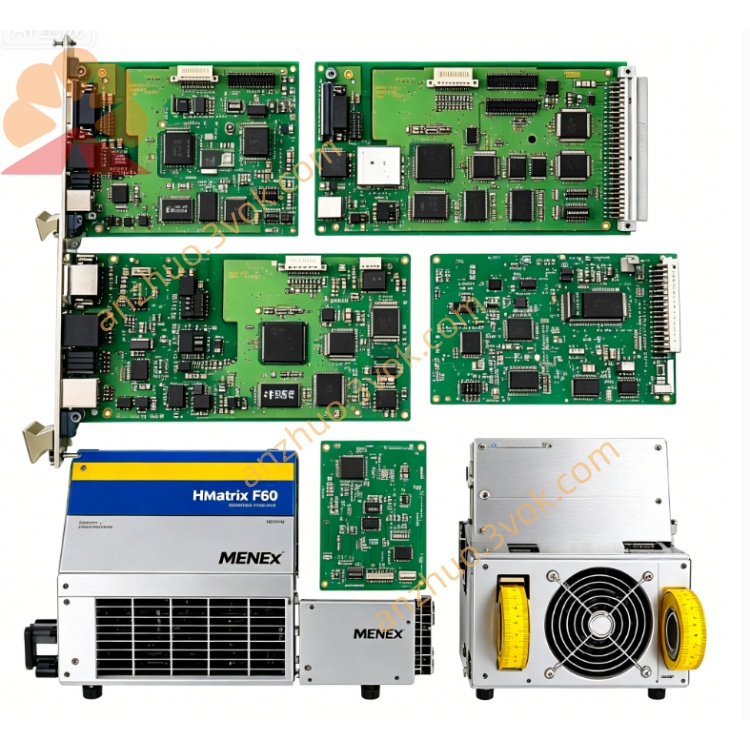
F8621/A
Description
F8621/A (HIMA Safety Ethernet CPU Communication Module) Basic Information
Model: F8621/A
Brand: HIMA (Germany's HIMA)
Type: H51q/H41q System, Security CPU + Ethernet Communication Main Control Module
Safety Level: IEC 61508 SIL3, TÜV Certification
Part Number: 984862160
Installation: Rack slot installation
Protection Level: IP20
Electrical parameters
Power supply: 24VDC, 5VDC dual power supply
Insulation withstand voltage: 500V AC/1 minute
Built-in protection: Overvoltage, undervoltage, reverse connection, over-temperature, short circuit protection
Hardware performance
Architecture: TMR triple redundant safety architecture
Processor: Dual-core ARM Cortex-A53
Program storage: Flash large-capacity firmware storage
Data cache: High-speed SRAM
Logic cycle: ≤ 20ms
SOE event recording: High-precision millisecond-level event traceability
Communication interface
Ethernet: RJ45 Gigabit Ethernet, TCP/IP protocol
Serial port: 2 isolated RS-485, RS-232
System bus: HIMA dedicated redundant safety backplane bus
Supported protocols: Modbus RTU, Profibus DP, HIMA internal safety protocol
Environmental parameters
Operating temperature: -25℃ ~ +85℃
Storage temperature: -40℃ ~ +85℃
Humidity: 5%~95% without condensation
Shaking and impact resistance: Compliant with IEC 60068 industrial standards Core function
Conduct safety logical operations for the SIS system and ESD emergency stop interlock control
Dual-link redundant Ethernet communication, connecting to DCS, upper-level monitoring and remote debugging
Full hardware real-time self-diagnosis, automatically reporting faults without affecting safety interlocks
Support online hot-swappable replacement, with automatic synchronization of program parameters
Internal I/O bus redundancy interaction to ensure stable transmission of safety data
Panel indicator lights
PWR Green: Power normal, constantly on
RUN Green: Normal operation, flashing
ALM Red: Hardware/communication failure alarm
ETH Yellow: Ethernet data transmission flashing
COM Yellow: Backplane bus, serial port communication status
Installation and maintenance
Push in the lock to align with the rack slot to ensure reliable connection of backplane contacts
Connect power, Ethernet, system bus in accordance with specifications, and reliably ground the cabinet
Check the status of indicator lights during daily inspections, regularly tighten terminals and clean dust
Replace with the same model directly, without reconfiguring programs and addresses
Get a Quote